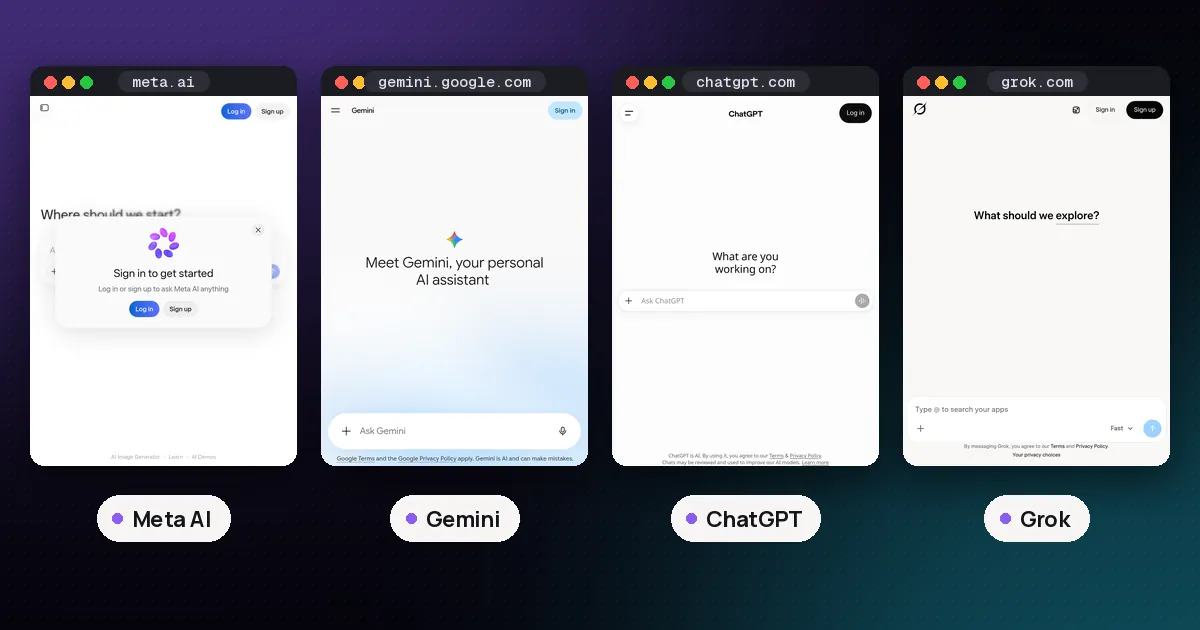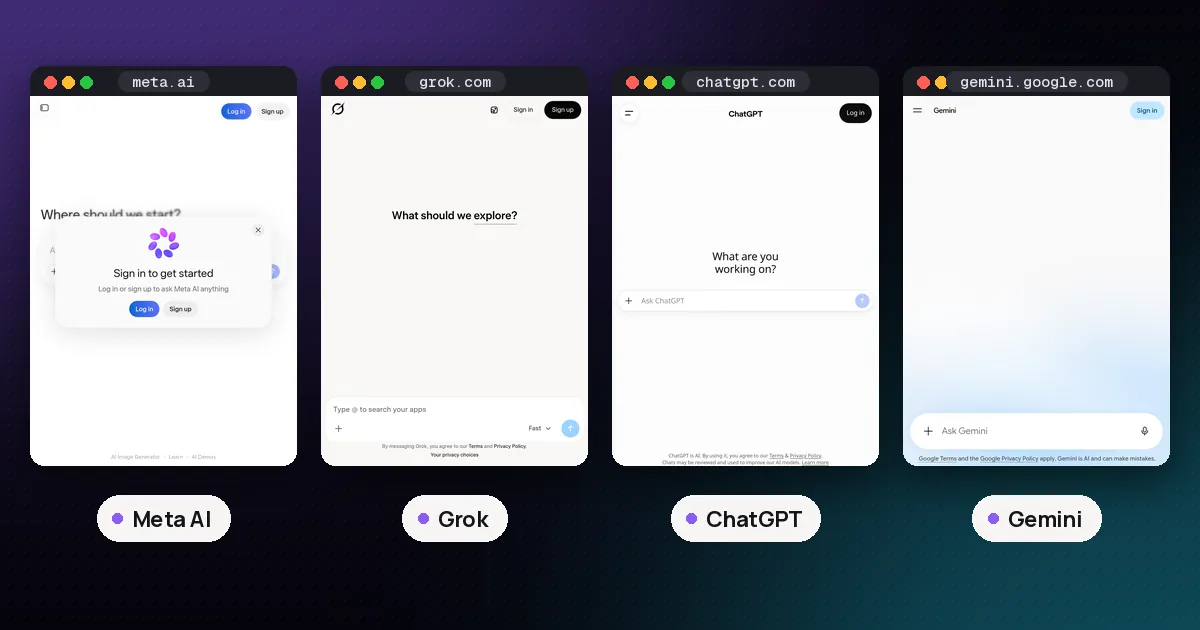
Meta AI vs Grok comes down to where you already spend time and how much you care about live news. Choose Meta AI when you want a free assistant inside WhatsApp, Instagram, Facebook, Messenger, meta.ai or Meta AI glasses. Choose Grok when you want SpaceXAI's standalone chat with real-time web and X search, voice, Imagine media and SuperGrok upgrades. Neither wins every job.
Facts below are from Meta's and SpaceXAI's (xAI) own product pages, checked on October 10, 2026. Plan prices are US list prices; taxes and regional offers vary.
Meta AI vs Grok at a glance
| Item | Meta AI | Grok |
|---|---|---|
| Maker | Meta | SpaceXAI (xAI) |
| Consumer models | Muse family (including Muse Spark in Meta AI and apps) | Grok 4.6 on paid plans; free tier with limits |
| Where it lives | WhatsApp, Instagram, Facebook, Messenger, meta.ai, Meta AI app, AI glasses | grok.com, Grok iOS and Android apps |
| Core price | Free for everyday use | Free to start |
| Paid upgrades | Meta One Core $7.99, Premium $19.99 (more AI media and app features) | SuperGrok $30, SuperGrok Plus $100 (higher limits; check Lite/Heavy on grok.com/plans) |
| Live news / social feed | App context and search partners; not X-native | Real-time web and X search |
| Video generation | Yes (higher limits on Meta One) | Yes via Grok Imagine (higher quality on Plus) |
| Training / privacy | No simple US opt-out for Meta AI chats; EU/UK objection forms for some training | Free and SuperGrok plans document SOC 2; Business/Enterprise list "No training" options |
Spoken plainly: Meta AI is free and already inside the apps billions of people open every day. Grok is a destination product built around live search, media and a paid SuperGrok ladder.
What Meta AI is
Meta AI is Meta's consumer assistant. Meta says the core experience across its apps and Meta AI stays free, and that Meta One subscriptions unlock higher AI usage and expression features on top of that free base, per Meta's Meta One announcement.
You can use it in WhatsApp (including @Meta AI in chats), Instagram, Facebook, Messenger, on meta.ai, in the Meta AI app, and on Meta AI glasses where those products are available. Meta's privacy post states that Meta AI does not join a chat on its own, and in group chats it only reads messages that invoke Meta AI, not the rest of the thread.
Under the hood, Meta's Muse Spark line is the company's multimodal model family for agentic and coding work. Muse Spark 1.3 is listed with a one-million-token context window on Meta's developer pages at developer.meta.com/ai/models/muse-spark. Consumer Meta AI features and the developer Muse Spark API are related but not identical products: the chatbots in apps are free to try; the API is billed separately.
Best for: quick answers, image and video creation inside Meta apps, help while you are already messaging someone, and people who refuse to open another app.
Watch out for: weaker standalone workspace features than Grok or ChatGPT, and privacy defaults that are harder to opt out of in the United States.
What Grok is
Grok is SpaceXAI's consumer assistant on grok.com and in the Grok iOS and Android apps. SpaceXAI's docs say you sign in once and conversations, settings and subscription stay in sync across platforms. You can chat, create images and video with Grok Imagine, use voice, upload files, and connect tools such as email, files and calendar, per SpaceXAI's Grok overview.
Grok is free to start. Paid SuperGrok plans raise limits and unlock more across Chat, Imagine, Voice and Build, drawing from a single weekly usage allowance. When the weekly pool runs out, SpaceXAI documents Extra Usage Credits (from five dollars) or an upgrade to a higher tier, per the Grok FAQ.
US list prices shown on x.ai/pricing as of this writing:
| Plan | US monthly price | Role |
|---|---|---|
| Free | $0 | Everyday Grok with limits; real-time web and X search, voice, connectors |
| SuperGrok | $30 | Higher rate limits, frontier model access (Grok 4.6 listed), Grok Bot, Expert, image and video generation |
| SuperGrok Plus | $100 | Higher usage across Chat, Imagine, Voice and Build; 1080p video; priority at peak times; early features |
The same pricing page also names SuperGrok Lite, SuperGrok Heavy, Business and Enterprise in its compare table. Lite and Heavy prices may appear on grok.com/plans in your region; always re-check before you buy. SuperGrok Business is listed at thirty dollars per user per month on SpaceXAI's business page.
Best for: breaking news, posts on X, people who want a dedicated Grok app, file analysis and paid Grok Bot / Imagine workflows.
Watch out for: SuperGrok starts at thirty dollars, which is higher than Meta One Core or ChatGPT Go; free Grok still has usage limits.
Where they shine (and where they don't)
Everyday chat and messaging
Meta AI wins on friction. If the question lands in WhatsApp or Instagram, you never leave the thread. Meta also says private messages with friends and family are not used to train its generative AI models unless someone shares those messages with Meta AI features, per Meta's generative AI privacy post. Interactions with Meta AI itself may still be used to improve products.
Grok wins when the chat is the work: you want history synced across devices, connectors, file uploads and a model you opened on purpose.
Live news and current events
Grok is the stronger pick for what is happening right now on the open web and on X. SpaceXAI markets real-time web and X search on Free and paid plans. Meta AI can answer timely questions and may use search partners, but it is not built as an X-native live feed product.
Images and video
Both products emphasize generative media. Meta AI leans into free everyday image creation and video powered by Muse models, with higher media allowances on Meta One Core and Premium. Grok Imagine covers image and video; SuperGrok Plus explicitly adds 1080p video and higher usage across Imagine, per x.ai/pricing. If you already create content inside Instagram or WhatsApp, Meta AI is closer to the publish button. If you want a dedicated Imagine studio with SuperGrok limits, Grok fits better.
Privacy and data controls
Meta documents that it trains generative AI on public Facebook and Instagram posts and on interactions with AI features, and that private friend/family messages are excluded unless shared with AI. EU and UK users can object to some training uses through Meta's Privacy Center forms. There is no equivalent simple US toggle that matches OpenAI-style "improve the model" switches for everyday Meta AI chats.
SpaceXAI's consumer pricing table lists SOC 2 compliance on Free and SuperGrok tiers, and Business/Enterprise columns add stronger controls such as "No training," custom retention and SSO. Treat x.ai/pricing and the in-product settings as the source of truth for what your account actually offers.
Work that needs files, bots or agents
Grok documents file uploads, connectors, Grok Build and Grok Bot (a paid teammate on a persistent cloud computer on SuperGrok and above). Meta AI is improving agent-style actions and Meta Business Agent on Meta One creator/business plans, but the everyday free Meta AI chat is still optimized for messaging and media, not a full standalone builder suite.
For how Meta AI compares to ChatGPT's workspace, see Meta AI vs ChatGPT. For a four-way view that includes Gemini and ChatGPT, see ChatGPT vs Claude vs Gemini vs Grok.
Pricing: free Meta AI vs SuperGrok
| Need | Sensible pick |
|---|---|
| Free everyday help inside social apps | Meta AI |
| Free standalone chat with live web/X search | Grok Free (accept limits) |
| Cheap paid bump for more Meta AI media | Meta One Core ($7.99) or Premium ($19.99) |
| Paid Grok with higher limits and Grok Bot | SuperGrok ($30) |
| Heavy Grok media and peak priority | SuperGrok Plus ($100) |
| Team seats with admin controls | SuperGrok Business / Enterprise (not Meta AI alone) |
Meta One starts at $2.99 for single-app plans and $7.99 for the Core bundle; Premium is $19.99. Meta stresses that Meta AI itself remains free for everyday use. Grok Free stays available; SuperGrok is the main individual paid step shown with a clear dollar price on x.ai/pricing.
Meta AI vs Grok vs ChatGPT vs Gemini
If you are comparing more than two assistants:
- Meta AI — best zero-friction option inside Meta's apps.
- Grok — best live view of the web and X; SuperGrok for higher limits.
- ChatGPT — deepest standalone toolkit and GPT-6 lineup (see Meta AI vs ChatGPT).
- Gemini — best when work already lives in Gmail, Docs and Drive.
- Claude — long documents and careful writing (see our four-way chatbot guide).
Who should pick which
- You live in WhatsApp or Instagram and want free help now: Meta AI.
- You follow breaking news and posts on X: Grok Free, then SuperGrok if you hit limits.
- You want free video and image creation in social apps: Meta AI, then Meta One if you hit free media limits.
- You want a dedicated Imagine studio and Grok Bot: SuperGrok or SuperGrok Plus.
- You care about US training opt-outs and a standalone workspace: prefer Grok's settings plus ChatGPT Data Controls over Meta AI alone; verify each product's current toggles.
- You need workplace admin controls: SuperGrok Business / Enterprise, or ChatGPT / Claude / Microsoft 365 Copilot for work — not free Meta AI alone.
Pros and cons
Meta AI
Pros
- Free everyday chat inside apps people already open.
- Strong in-app image and video generation with Muse models.
- Meta One Core is cheaper than SuperGrok if you only need more media.
Cons
- Not a full standalone research or bot platform.
- US users lack a simple training opt-out for Meta AI chats.
- Weaker live X / news surface than Grok.
Grok
Pros
- Real-time web and X search on free and paid plans.
- Clear SuperGrok ladder with Grok Bot, Imagine and connectors.
- Dedicated apps with synced history.
Cons
- SuperGrok at $30 is pricier than Meta One Core or ChatGPT Go.
- Free tier still has limits; heavy use needs Extra Usage Credits or an upgrade.
- Less useful if you never leave WhatsApp and do not care about X.
From Ahzy Capital (our own products, labeled as such): Get the free AI Agent Cheat Sheet: 24 copy-paste AI agent setups for 8 types of small business, with prompts and workflows. We make and sell these, so they aren't independent picks.
FAQ
Is Meta AI better than Grok?
Not overall. Meta AI is better when convenience inside Meta apps matters most. Grok is better for live web and X search, a dedicated app and paid Grok Bot / Imagine workflows. Pick the product that matches the job.
Is Meta AI free?
Yes for everyday use. Meta says the core Meta AI experience stays free. Meta One Core and Premium add higher AI media usage and app expression features on top.
Is Grok free?
Yes to start. SpaceXAI documents a Free plan with real-time web and X search, voice and connectors within limits. SuperGrok and SuperGrok Plus raise limits and unlock more features.
Meta AI vs Grok for coding?
Neither is primarily a coding IDE. Grok documents Build and file analysis in its consumer product; Meta's Muse Spark API is a separate developer product from chatting with Meta AI in WhatsApp. For deep coding seats, many people still prefer ChatGPT Codex or Claude Code (see our other guides) rather than Meta AI or Grok alone.
Does Grok use X Premium?
Historically Grok access was tied to X subscriptions; today SpaceXAI sells SuperGrok plans on grok.com and x.ai/pricing as a separate ladder. Check your region for whether an X Premium+ bundle still includes SuperGrok access.
Should I pay for Meta One or SuperGrok?
Pay for Meta One if you want more Meta AI image and video generation and Instagram/Facebook/WhatsApp expression features. Pay for SuperGrok if you want higher Grok limits, Grok Bot, Imagine headroom and a dedicated SpaceXAI seat. Many people keep free Meta AI for messaging and add SuperGrok only if live search and Grok apps become daily habits.