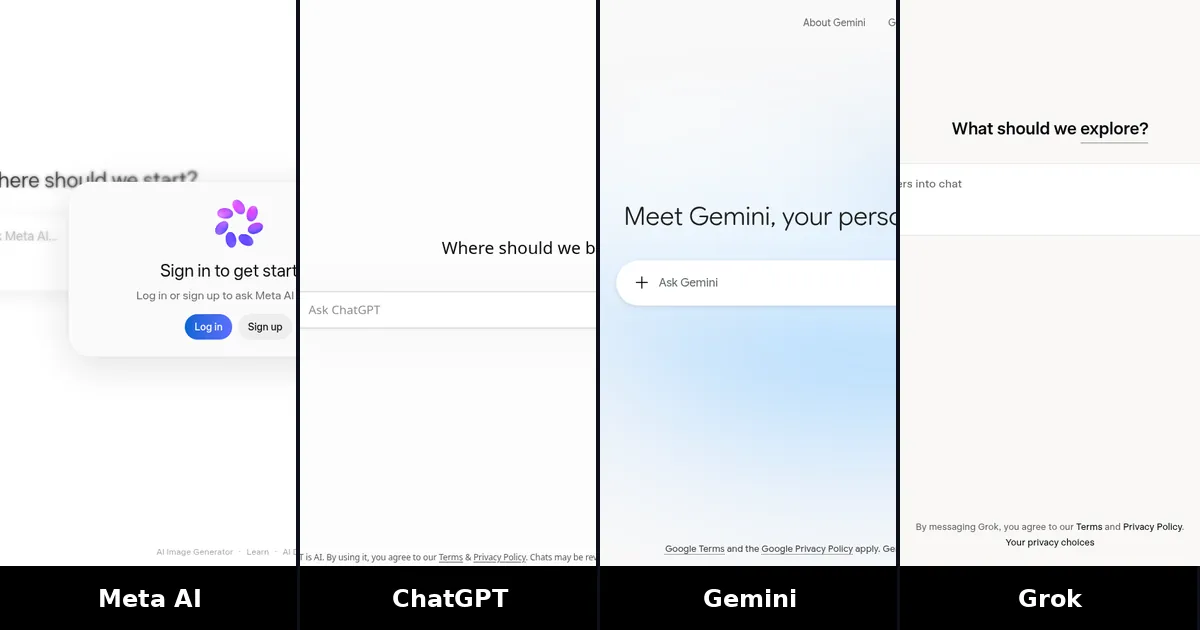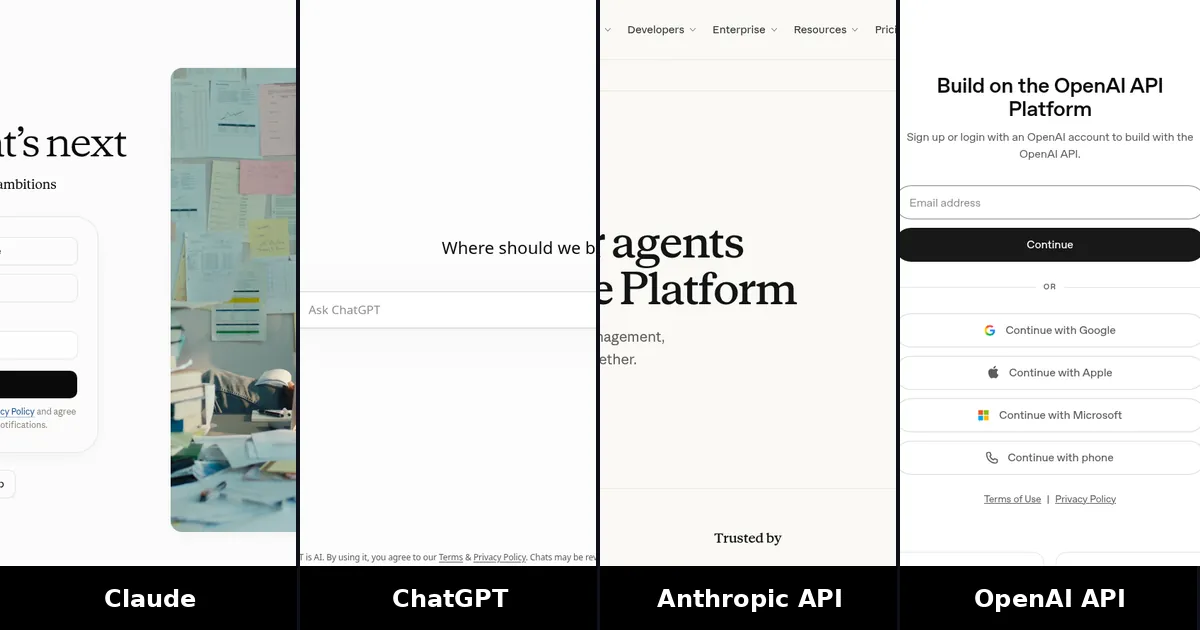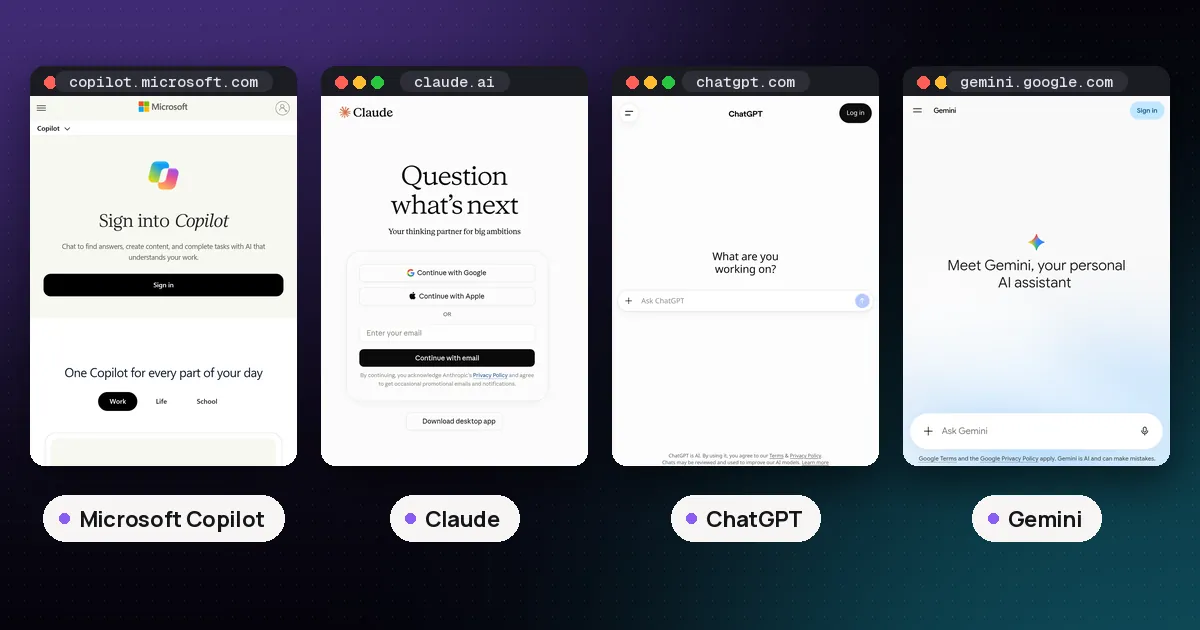
Microsoft Copilot vs Claude is less about which model is smarter and more about where you already work. Choose Microsoft Copilot when you live in Word, Excel, Outlook, Teams or Edge and want an assistant that sits inside those apps. Choose Claude when you want Anthropic's own chat workspace for long documents, careful writing, research and paid coding tools, with a clear Free → Pro → Max ladder. Many people keep both: Copilot for Microsoft 365 work, Claude for deep drafting.
Prices and plan names below are US list figures from Microsoft's and Anthropic's own pages, checked on October 10, 2026. Taxes and regional offers vary.
Microsoft Copilot vs Claude at a glance
| Item | Microsoft Copilot | Claude |
|---|---|---|
| Maker | Microsoft (models from OpenAI and others) | Anthropic |
| Free entry | Yes, at copilot.cloud.microsoft (and Edge / apps) | Yes, Free plan on claude.ai |
| Individual paid | Included with Microsoft 365 Personal / Family / Premium / Pro (usage limits); deeper work features on Premium | Pro $20/month or $17/month billed annually; Max from $100/month |
| Work / team | Copilot Chat included with eligible Microsoft 365; Microsoft 365 Copilot add-on $30/user/month yearly | Team Standard $25/member/month ($20 yearly); Premium $125 ($100 yearly); Enterprise $20/seat/month plus API usage |
| Best fit | People and companies already on Microsoft 365 | Writers, analysts and teams who want Claude's models and Projects |
| Office integration | Native in Word, Excel, PowerPoint, Outlook, Teams (plan-dependent) | Claude for Microsoft 365 and Outlook on paid plans; also Chrome |
Spoken plainly: Copilot is Microsoft's front door to AI inside its products. Claude is a standalone frontier assistant you open on purpose. Neither is a free upgrade of the other.
What Microsoft Copilot is
Microsoft Copilot is not one single product. Microsoft's support pages describe three consumer and work layers that people often confuse:
- Microsoft Copilot (free). Available at no cost in the browser, desktop and mobile apps, and in Edge. Microsoft says it is aimed at general questions, writing help, web-grounded answers and image creation. Signing in unlocks chat history, longer conversations and voice features, per Microsoft's free vs Microsoft 365 comparison.
- Copilot with individual Microsoft 365 plans. Personal, Family, Premium and Pro subscribers get Copilot Chat at microsoft365.com. Subscription owners also get Copilot inside desktop apps such as Word, Excel, PowerPoint, Outlook and OneNote, with AI credit limits. Microsoft 365 Premium adds more allowance and agents such as Tasks, Analyst and Researcher.
- Work Copilot. Eligible Microsoft 365 business plans include Copilot Chat at no extra seat fee: web-grounded chat, file upload, image generation and metered agents under IT controls. The paid Microsoft 365 Copilot add-on is $30 per user per month, billed yearly, on top of a qualifying Microsoft 365 license. It adds Work IQ grounding on your files, mail and meetings, Copilot inside Teams and the core Office apps, and included use of pre-built agents such as Researcher and Analyst, according to Microsoft's enterprise Copilot pricing.
Microsoft's enterprise comparison table lists GPT-5X-class OpenAI models for Copilot Chat (standard) and Microsoft 365 Copilot (priority). Exact model labels change; treat Microsoft's pricing page as the source of truth for what your tenant ships today.
Best for: employees who already open Outlook and Teams all day, and individuals who want AI next to their Word docs without switching apps. Watch out for: the $30 add-on only makes sense if you already pay for Microsoft 365, and free Copilot will not ground answers in your company's SharePoint the way licensed Microsoft 365 Copilot does.
What Claude is
Claude is Anthropic's flagship assistant on the web, desktop and mobile. The Free plan includes chat, web search, file creation, code execution, Artifacts, and Claude Design, Slides and Docs. Pro is $20 a month, or $17 a month when billed annually ($200 up front). Pro adds more usage, Projects, Research, Claude Code, Claude Science, Dashboards (beta), Claude in Chrome, and Claude for Microsoft 365 and Outlook, per Claude's pricing page.
Max starts at $100 a month with 5x or 20x Pro's usage, higher output limits, priority access and $100–$200 a month in API credits depending on tier. Team needs at least two members: Standard seats are $25/member/month ($20 yearly) and Premium seats $125 ($100 yearly), according to Anthropic's Team plan help article. Enterprise is $20 per seat per month plus usage at API rates, billed annually, with stronger admin and compliance controls.
Model-wise, Free users get Sonnet and Haiku; Pro and above add Opus, with Fable available through credits or higher plan limits. Our Claude Fable vs Opus vs Mythos guide covers which Claude to pick for a given job.
Best for: long briefs, careful prose, multi-file projects and people who want Anthropic's safety posture and model lineup in one place. Watch out for: Claude is not free inside Word the way Microsoft's own Copilot is; Microsoft 365 connectors on Pro still leave Copilot as the deeper in-app option.
Pricing compared
| Need | Microsoft path | Claude path |
|---|---|---|
| Try for free | Free Copilot at copilot.cloud.microsoft | Claude Free |
| Individual paid | Microsoft 365 Personal / Family / Premium (Copilot included with limits) | Claude Pro $20 ($17 yearly) |
| Heavy individual use | Microsoft 365 Premium (higher AI allowance) or paid work add-on if you have a work license | Claude Max from $100 |
| Small team | Copilot Chat (included) or Microsoft 365 Copilot at $30/user/year-billed | Team Standard $20–$25/member |
| Large org | Microsoft 365 Copilot + qualifying M365 | Enterprise $20/seat + API usage |
In dollars: a single knowledge worker comparing "paid assistant" often sees Claude Pro at about twenty dollars against Microsoft 365 Copilot at thirty dollars plus the underlying Microsoft 365 seat. Free Copilot and Claude Free remain the right first test for most people.
Where they shine
Microsoft Copilot wins when:
- Your documents, mail and meetings already live in Microsoft 365.
- You want draft-in-place edits inside Word or Excel rather than copy-paste from a chat tab.
- Your IT team needs Entra identity, enterprise data protection and admin agent controls out of the box.
- You only need light, web-grounded help and the free Copilot tier is enough.
Claude wins when:
- The work is a long memo, contract review, research synthesis or multi-step writing project.
- You want Artifacts, Projects, Research or Claude Code in Anthropic's own product.
- You care about picking Opus, Sonnet, Haiku or Fable explicitly.
- Your team is not standardized on Microsoft 365, or you mix Google Workspace with other tools.
Pros and cons
Microsoft Copilot
- Pros: free tier; deep Office and Teams integration; Copilot Chat included for many work tenants; strong IT admin story on paid Microsoft 365 Copilot.
- Cons: product names are easy to mix up; best work features need Microsoft 365 plus a $30 add-on; model choice is less transparent than Claude's picker.
Claude
- Pros: clear consumer plans; strong long-context writing and analysis; Pro includes Claude Code and Microsoft 365 connectors; Enterprise pricing separates seats from usage.
- Cons: weaker native presence inside Word/Excel than Copilot; Max and Premium Team seats get expensive quickly; Free lacks Opus and Research.
Which should you use?
- Mostly Microsoft Office at work: start with Copilot Chat (often already included). Add Microsoft 365 Copilot if you need Work IQ grounding and in-app Copilot every day.
- Freelance writer, analyst or researcher: Claude Pro, ideally annual.
- Just curious / personal tasks: free Microsoft Copilot or Claude Free first.
- Already paying ChatGPT Plus or Google AI Pro: read ChatGPT Plus vs Claude Pro vs Google AI Pro before adding a third bill; Copilot may still be worth it only for Office integration.
- Want a four-way model shootout: ChatGPT vs Claude vs Gemini vs Grok.
You can also use Claude and Copilot: many Pro users connect Claude to Microsoft 365 for search while keeping Copilot for inline edits. That is a valid setup, not a failure to pick a winner.
FAQ
Is Microsoft Copilot free?
Yes. Microsoft Copilot has a free consumer tier in the browser, apps and Edge. Eligible Microsoft 365 business users also get Copilot Chat at no additional seat cost. Deeper work grounding and full in-app Copilot usually need the paid Microsoft 365 Copilot add-on.
Is Claude better than Microsoft Copilot?
For long writing and careful analysis, Claude is usually the stronger standalone chat product. For drafting inside Word, Excel, Outlook or Teams against your company's files, Microsoft 365 Copilot is the better fit. "Better" depends on the job, not a single score.
How much is Microsoft 365 Copilot vs Claude Pro?
Microsoft 365 Copilot is $30 per user per month when billed yearly, on top of a qualifying Microsoft 365 license. Claude Pro is $20 per month, or $17 per month billed annually. They are not direct substitutes: one is an Office add-on, the other is Anthropic's consumer Pro plan.
Does Claude work with Microsoft 365?
Yes, on paid Claude plans. Anthropic lists Claude for Microsoft 365 and Outlook, plus connectors, on Pro, Max, Team and Enterprise. That complements Microsoft's own Copilot rather than replacing it inside every Office ribbon.
Microsoft Copilot vs Claude vs ChatGPT — which three-way split?
Use Copilot when the file is already in Microsoft 365, Claude for long-form Anthropic quality, and ChatGPT when you want OpenAI's GPT-6 features and broad consumer tools. See our ChatGPT vs Claude vs Gemini vs Grok guide for the wider assistant comparison.
Can my company use both?
Yes. Many enterprises keep Microsoft 365 Copilot for everyday Office work and buy Claude Team or Enterprise for specialist writing, research or developer seats. Compare admin, data-handling and seat math before rolling either out broadly.