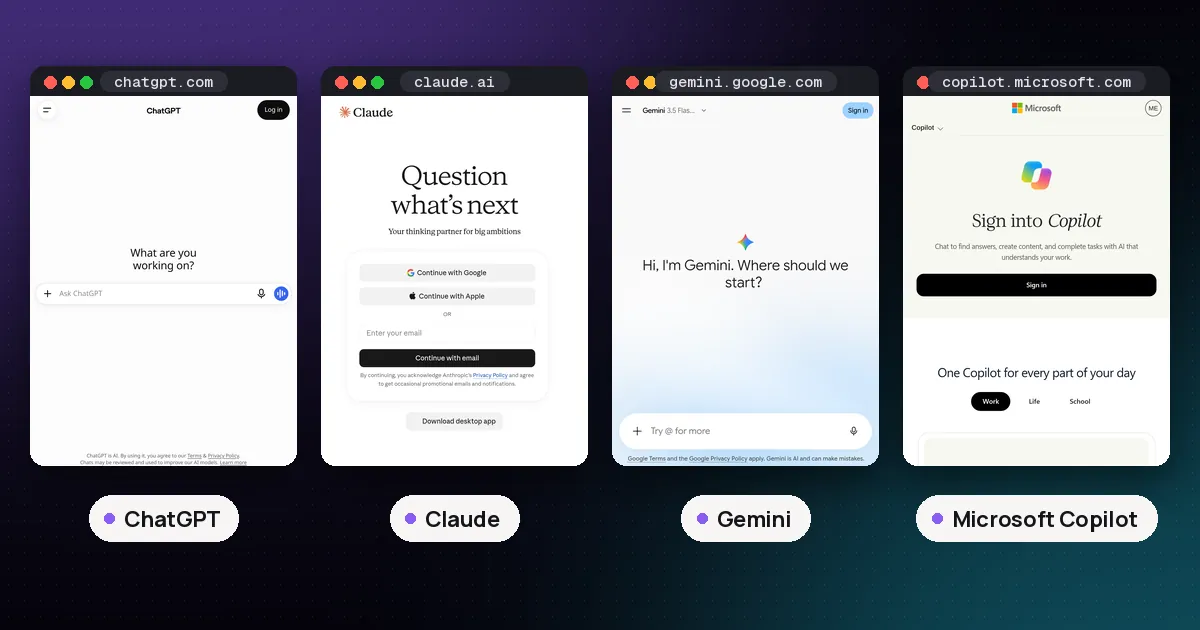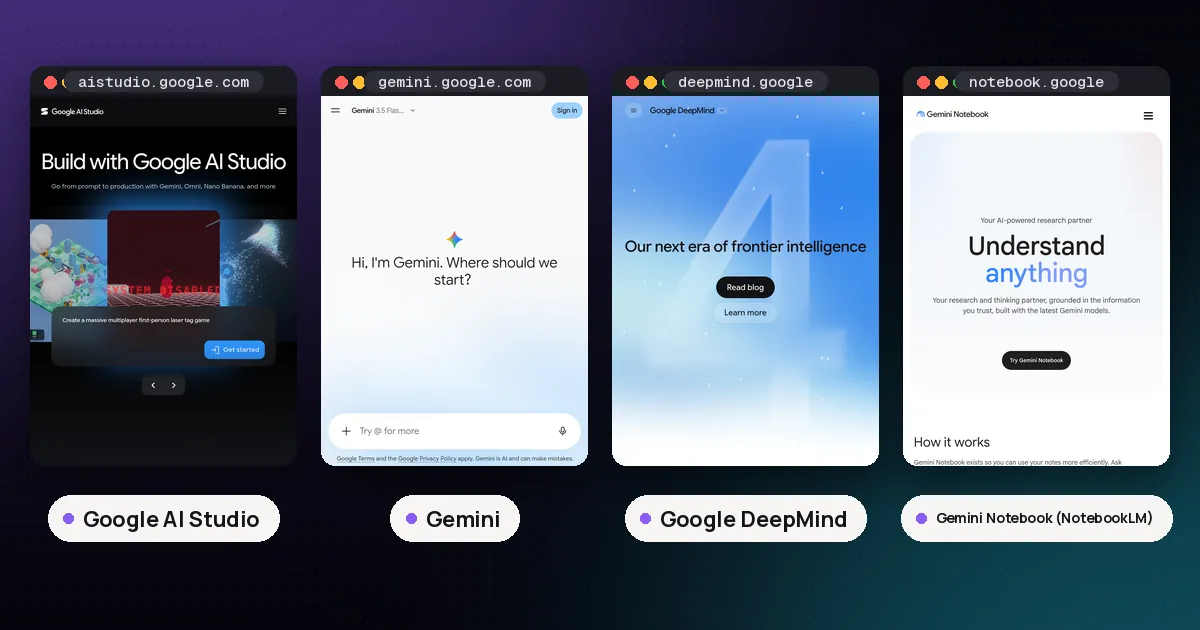
Google AI Studio vs Gemini is a choice between building with Google's models and simply using them. The Gemini app is Google's personal assistant for chatting, writing, research and help inside Gmail and Docs. Google AI Studio is a browser workbench for developers: you test prompts, pick exact model versions, tune settings, copy the code and get a Gemini API key. If the answer is for you, use Gemini. If the answer will end up inside an app, a script or a product, use AI Studio.
Both run on models from Google DeepMind, and both have a free way in, so people mix them up. They differ in who they are built for, how they are paid for, and what Google does with what you type. Facts below come from Google's own plan, pricing, terms and help pages, checked on November 2, 2026. Prices are US list prices before tax and Google changes limits often, so recheck before you pay.
Google AI Studio vs Gemini at a glance
| Item | Gemini app | Google AI Studio |
|---|---|---|
| What it is | Personal AI assistant on web, Android and iOS | Developer workbench for the Gemini API |
| Main job | Answers, drafts, research, help across Google apps | Prompt testing, model settings, API keys, prototypes |
| Free access | Free plan with the Flash-Lite model, Deep Research, Gemini Live, Canvas and Gems | Free tier with "modest" daily quota on listed models |
| Gemini 4 Argon | Google AI Pro and Ultra | Not on Free; AI Pro and Ultra in the AI Studio interface, or a paid API key |
| Paid path | Google AI Plus, Pro or Ultra subscription | Same subscription for the AI Studio interface, plus pay per token API billing through Cloud Billing |
| API access | No | Yes |
| Free tier data use | Controlled by Keep Activity and temporary chats | Prompts and responses used to improve Google products, and humans may review them |
Read aloud, the table says this: Gemini is a finished assistant with a privacy switch. AI Studio is a developer tool, and its free tier trades your prompts for free tokens.
What the Gemini app is for
The Gemini app lives at gemini.google.com and in the mobile apps. According to Google's plans page, the free plan includes the Flash-Lite model, image generation and editing, Deep Research, Gemini Live, Canvas and Gems, plus Gemini Notebook for research and writing. You do not pick a model ID or set a temperature. You ask, and the app decides how to handle the request.
The paid ladder comes from Google One. The Google AI plans page lists Google AI Plus at $4.99 a month (Gemini 3.6 Flash, 400 GB storage), Google AI Pro at $19.99 a month (Gemini 4 Argon, expanded Gemini 3.1 Pro and Deep Research, a 1 million token context window, 5 TB storage) and Google AI Ultra at $99.99 or $199.99 a month for 5 times or 20 times the Pro usage limits. Usage in the app is compute based: Google's limits help page says your limit refreshes every 5 hours until you reach a weekly cap.
What makes the app worth paying for is the reach into the rest of your Google account. Paid plans add Gemini in Gmail, Docs, Sheets and Vids, Tasks in Gemini, Chrome auto browse on Pro and Ultra, and more Gemini Notebook capacity. None of that exists in AI Studio.
Best for: everyday questions, writing and editing, research reports, study help, image and video generation for fun, and anyone who lives in Gmail and Drive.
What Google AI Studio is for
AI Studio lives at aistudio.google.com. Google's quickstart describes it as the place to try models and experiment with prompts, then press "Get code" to turn the same request into Gemini API code in your language of choice. The Run settings panel exposes system instructions, model parameters, safety settings, structured output, function calling, code execution and grounding with Google Search.
That control is the point. In AI Studio you choose an exact model (for example gemini-3.8-flash or gemini-4-argon), see how it responds to the same system prompt, and then call that model from your own code with an API key. Google also offers a Build mode that writes and previews small web and Android apps from a plain language prompt, using the agent from Google Antigravity, according to the Build mode docs.
Best for: developers, students learning the API, product teams testing prompts before launch, and anyone who wants a model's raw behavior rather than an assistant's polished one.
Is Google AI Studio free?
Yes, within limits. Google's Gemini API pricing page lists a Free tier with free input and output tokens, limited access to certain models and Google AI Studio access. Gemini 3.8 Flash, for example, is free of charge on the Free tier. Gemini 4 Argon is not: the same page says it "is not available on the Free tier."
Free API usage is measured in requests per minute, tokens per minute and requests per day. The rate limits page says limits apply per project, not per key, that daily quotas reset at midnight Pacific time, and that you see your actual limits inside AI Studio. Google does not publish a fixed free quota you can count on, so plan for a cap you may hit during a busy session.
When you outgrow free, you link a Cloud Billing account and pay per token. For Gemini 3.8 Flash the pricing page lists $0.75 per million input tokens and $3.75 per million output tokens through December 31, 2026. For Gemini 4 Argon it lists $2 input and $10 output per million tokens through November 30, 2026, rising to $4 and $20 on December 1. Our LLM API key guide walks through creating and protecting the key itself.
Is Google AI Studio free with Gemini Pro?
This is the question that confuses most people, because a Google AI Pro subscription does carry over, but only partly. Google's AI plans developer page says Pro and Ultra subscribers get higher daily quota and premium models, including Gemini 4 Argon, inside the AI Studio Playground and Build mode. You can upgrade from the Upgrade button in AI Studio's left menu.
The limits are just as clear:
- AI Studio interface only. Subscription benefits apply in the AI Studio web interface. Calls made with an API key from your own code are billed separately.
- Different from API billing. Subscription quota is separate from the Gemini API usage tiers.
- No Google One AI credits. Those credits do not work inside AI Studio.
- Agents need a paid key. Deep Research and the Antigravity preview inside AI Studio are not included in Google AI plans and need a paid API key.
There is one extra perk. The Google AI plans page lists monthly Google Cloud credits through the Google Developer Program: $10 on Pro, $40 on Ultra 5x and $100 on Ultra 20x. Google says those credits can cover Gemini API usage once Cloud Billing is set up. So a Pro subscription buys you a better AI Studio experience and a small API allowance, not unlimited API calls.
Privacy: the biggest practical difference
Here the two products behave very differently, and it matters more than any feature.
In the Gemini app, Google's Gemini Apps Privacy Hub says a subset of chats is reviewed by humans to improve Google services when Keep Activity is on. Turn Keep Activity off, or use a temporary chat, and future chats are not used to improve Google's AI models unless you send feedback. Those chats are still kept with your account for 72 hours so Gemini can respond and Google can protect its users. Activity auto delete defaults to 18 months and can be set to 3 months, 36 months or never.
In AI Studio on the free tier, there is no such switch. The Gemini API terms say that when you use unpaid services, including Google AI Studio and the unpaid API quota, Google uses what you submit and the responses to improve its products and machine learning, and human reviewers may read your input and output after it is disconnected from your account. The terms tell users plainly not to submit sensitive, confidential or personal information. On the paid API tier, Google says it does not use prompts or responses to improve its products and logs them only for a limited time to detect policy violations.
If you are testing prompts with real customer data, that difference alone should push you to a paid key. Our guide on using AI chatbots safely covers habits that apply to both.
Pros and cons
Gemini app
Pros: usable by anyone with a Google account; strong free plan; works inside Gmail, Docs and Chrome; Keep Activity and temporary chats give you a privacy choice; mobile apps and voice.
Cons: no API and no exact model control; usage caps refresh on a 5 hour and weekly cycle; the best model, Gemini 4 Argon, needs AI Pro or Ultra.
Google AI Studio
Pros: free tokens on listed models; exact model choice and settings; "Get code" turns a test into working API calls; the same API key scales into paid tiers.
Cons: free tier prompts are used to improve Google products and may be read by reviewers; aimed at developers, with no Gmail or Drive help; Argon is not on the free tier; API users must be 18 or older.
Which should you use?
| If you want to | Use |
|---|---|
| Ask questions, write, plan or study | Gemini app |
| Get help inside Gmail, Docs or Sheets | Gemini app |
| Keep personal chats out of model training | Gemini app with Keep Activity off, or a temporary chat |
| Get a Gemini API key | Google AI Studio |
| Compare exact Gemini model versions | Google AI Studio |
| Turn a prompt into code for your own app | Google AI Studio |
| Try Gemini 4 Argon without a subscription | AI Studio with a paid API key |
Many people end up using both: Gemini for their own work, AI Studio when they start building something. If you are weighing Google against other labs for the assistant side, see our ChatGPT vs Claude vs Gemini vs Grok comparison. If you want a free developer API from any lab, our list of free OpenAI API alternatives puts AI Studio next to Anthropic and xAI, and our subscription vs API cost comparison shows when paying per token beats a monthly plan. Choosing one assistant for a whole team instead? Start with our best AI chatbot for small business picks.
FAQ
What is the difference between Google AI Studio and Gemini?
Gemini is Google's consumer assistant app for chatting, research and help across Google apps. Google AI Studio is a developer workbench for testing Gemini models, adjusting settings and getting an API key. Both use models from Google DeepMind, which our guide to what Google DeepMind is explains.
Is Google AI Studio better than Gemini?
Neither is better overall. AI Studio is better when you need model control or the API. Gemini is better for everyday tasks, Google app integration and privacy controls on personal chats.
Is Google AI Studio free with Gemini Pro?
Partly. A Google AI Pro subscription raises your quota and adds premium models such as Gemini 4 Argon inside the AI Studio interface. API calls from your own code are billed separately, though Pro includes $10 in monthly Google Cloud credits through the Google Developer Program.
Does Google AI Studio use my data for training?
On the free tier, yes. Google's terms say unpaid AI Studio and API use helps improve Google products and that human reviewers may see your input and output. On the paid API tier, Google says it does not use your prompts or responses to improve its products.
Can I use Gemini 4 Argon for free?
No. Argon is not on the Gemini app's free plan or on the Gemini API free tier. You need Google AI Pro or Ultra, or a paid API key. Our Gemini 4 Argon release date guide covers its rollout.