To use an AI chatbot in WhatsApp in 2026, start with the one that is already built in: tap the Meta AI circle on the Chats tab, type your question and send it. In a group, type @Meta AI before your question. If your WhatsApp number has a European Economic Area (EEA) country code, you can also save OpenAI's verified number, +1-800-242-8478 (1-800-CHATGPT), as a contact and message ChatGPT like a friend.
Outside Europe, that second option mostly no longer exists. On January 15, 2026, new WhatsApp business rules took effect that bar general purpose AI assistants from the platform, and ChatGPT, Microsoft Copilot and Perplexity stopped answering for most users. This guide shows the exact steps for each assistant that still works, explains why the others vanished, and helps you decide when a standalone app is the better choice. It reflects official help pages and regulator decisions as of October 16, 2026.
Which AI chatbots work in WhatsApp right now
| Assistant | Where it works in WhatsApp | Account needed | Cost |
|---|---|---|---|
| Meta AI | Countries where Meta has launched it; availability varies by account and language | No separate account; accept Meta AI terms on first use | Free, with optional Meta One Core or Premium for higher image and video limits |
| ChatGPT | Numbers with an EEA country code (OpenAI's feature page also lists Switzerland) | No; linking a ChatGPT account is optional and raises limits | Free, with usage limits |
| Microsoft Copilot | Ended January 15, 2026 | Not applicable | Not applicable |
| Perplexity | Affected by the January 2026 ban; check Perplexity's own page for your region | Not applicable | Not applicable |
The short version: Meta AI is the only general purpose assistant you can count on in WhatsApp worldwide, and ChatGPT is back only for European numbers. Customer service bots run by shops, airlines or banks are a separate category and still work everywhere, because the rules only target companies whose main product is the AI itself.
How to use Meta AI in WhatsApp
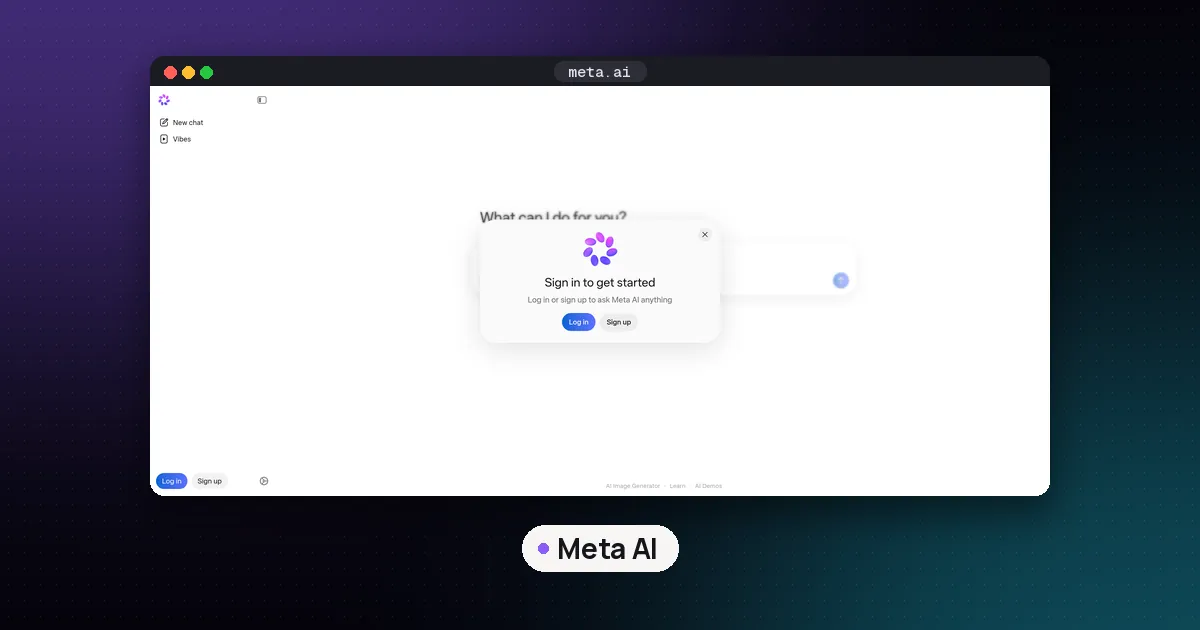
Meta AI lives inside WhatsApp itself, so there is nothing to install. According to WhatsApp's "How to chat with Meta AI" help page, the steps are:
- Open the Chats tab and tap the multicolored Meta AI circle.
- If prompted, read and accept the terms.
- Pick a suggested prompt or type your own question.
- Tap send. The conversation then sits in your chat list like any other chat.
There are three other ways in, all from WhatsApp's help center:
- Search bar: type into the search field at the top of your Chats list, then tap Ask or one of the suggestions under "Ask Meta AI". It opens a Meta AI chat. Typing in search alone does not send anything to Meta; only a prompt you send does.
- Group chats: type @ in the message box, choose Meta AI and write your question. Meta AI only reads messages that mention @Meta AI or that someone chooses to share with it, not the rest of the group conversation.
- Forwarding: forward any message to Meta AI with a prompt, such as "explain this" or "translate this". On desktop, hover over the message, open the menu, choose Forward and search for Meta AI.
Meta AI can also create and edit images, answer questions about photos, and summarize piles of unread messages. On its Meta AI in WhatsApp page, WhatsApp says the summary feature uses a system it calls Private Processing, which lets Meta AI produce a response without Meta or WhatsApp being able to read the messages. The same page describes incognito chats with Meta AI that disappear when you leave and that Meta says it cannot access.
Two caveats from the About Meta AI page: the feature is only available in limited countries and may not show up for you even if friends nearby have it, and Meta may use your prompts and the messages you share with Meta AI to improve its AI. Your ordinary personal chats stay end to end encrypted. If you want to know how Meta AI stacks up against other assistants outside WhatsApp, see our Meta AI vs ChatGPT comparison; the newer model family Meta is building on is covered in our Muse Wonder explainer.
Is Meta AI free on WhatsApp?
Meta AI chat comes with WhatsApp at no extra charge. The only paid AI extras WhatsApp lists are for media generation: WhatsApp's Meta One AI benefits page says Meta One Core and Premium raise your limits for AI generated images and videos. If you hit the free limit you can subscribe or wait for it to refresh. Those plans are only offered to eligible users in limited locations, currently in English, and not on the WhatsApp Business app.
How to use ChatGPT in WhatsApp (EEA numbers)
OpenAI's 1-800-ChatGPT help article says ChatGPT is available again on WhatsApp in the EEA. Here is how to set it up:
- Save +1-800-242-8478 as a contact, or scan the QR code on OpenAI's ChatGPT in WhatsApp page.
- Open a WhatsApp chat with that contact and check it is the verified 1-800-CHATGPT account.
- Type or dictate a question, send a photo, or record a voice note. You can also ask it to create images.
- Optional: link your ChatGPT account from the contact's profile for higher usage limits.
Availability depends on the country code of your WhatsApp number, not where you happen to be standing, and OpenAI says it may roll out gradually. If you have a US or Canadian number, the same 1-800-CHATGPT number works for phone calls instead: OpenAI allows 30 minutes of free calling per month. One privacy note from that help page: once you link a phone number to an OpenAI account, OpenAI does not currently let you unlink it.
Why ChatGPT, Copilot and Perplexity left WhatsApp
General purpose chatbots on WhatsApp ran on the WhatsApp Business API, the same plumbing shops use for order updates. Meta changed the rules for that API, and regulators pushed back. The timeline, from the European Commission's own announcements and contemporaneous reporting:
| Date | What happened |
|---|---|
| October 15, 2025 | Meta adds an "AI Providers" section to its WhatsApp business terms, barring general purpose AI assistants when the AI is the main product. |
| October 21, 2025 | OpenAI announces that ChatGPT will leave WhatsApp after January 15, 2026. |
| December 2025 | The European Commission opens an antitrust investigation. Italy's competition authority also objects, and Meta later exempts Italian numbers. |
| January 15, 2026 | The ban takes effect. ChatGPT, Copilot and Perplexity stop working for most users; Meta tells developers Brazilian (+55) numbers are exempt after Brazil's regulator orders a suspension. |
| February 2026 | The Commission sends Meta a Statement of Objections and signals interim measures. |
| March 4, 2026 | Meta lets rival assistants back in Europe, but for a per message fee (TechCrunch reported €0.0490 to €0.1323 per nontemplate message, depending on country). |
| June 9, 2026 | The Commission orders Meta to restore free access on the pre-October 2025 terms until its investigation ends. |
The Commission's June 9 press release says it found, at first sight, that Meta's fee was "in practice equivalent to the previous access ban," and gave Meta five working days to comply. The case on the merits is still open, so the European arrangement is interim, not permanent.
Meta's side, as a WhatsApp spokesperson told TechCrunch, is that AI chatbots strained a system built for business messaging, and that the route to market for AI companies is app stores and websites, not the WhatsApp Business Platform.
Brazil is still contested. In April 2026, Brazil's competition regulator CADE upheld a daily fine of BRL 250,000 against Meta, finding that charging AI chatbots per message did not comply with its order. OpenAI's help page lists the EEA, not Brazil, for its WhatsApp return, so Brazilian users should not assume ChatGPT is back.
Meta AI vs ChatGPT in WhatsApp vs a standalone app
Meta AI in WhatsApp
Pros
- Built in, free and nothing to set up
- Works in group chats with @Meta AI
- Can summarize unread messages and edit photos without leaving the app
Cons
- Not available in every country or language
- Meta may use what you send it to improve its AI
- You get Meta's assistant only; you cannot swap in another model
ChatGPT in WhatsApp
Pros
- No app download or account needed
- Handles photos, voice notes and image creation
- Linking an account carries chats into your ChatGPT history
Cons
- EEA numbers only (plus Switzerland on OpenAI's feature page)
- Usage limits apply, and access could change when the EU case ends
- A linked phone number cannot currently be unlinked
The standalone app
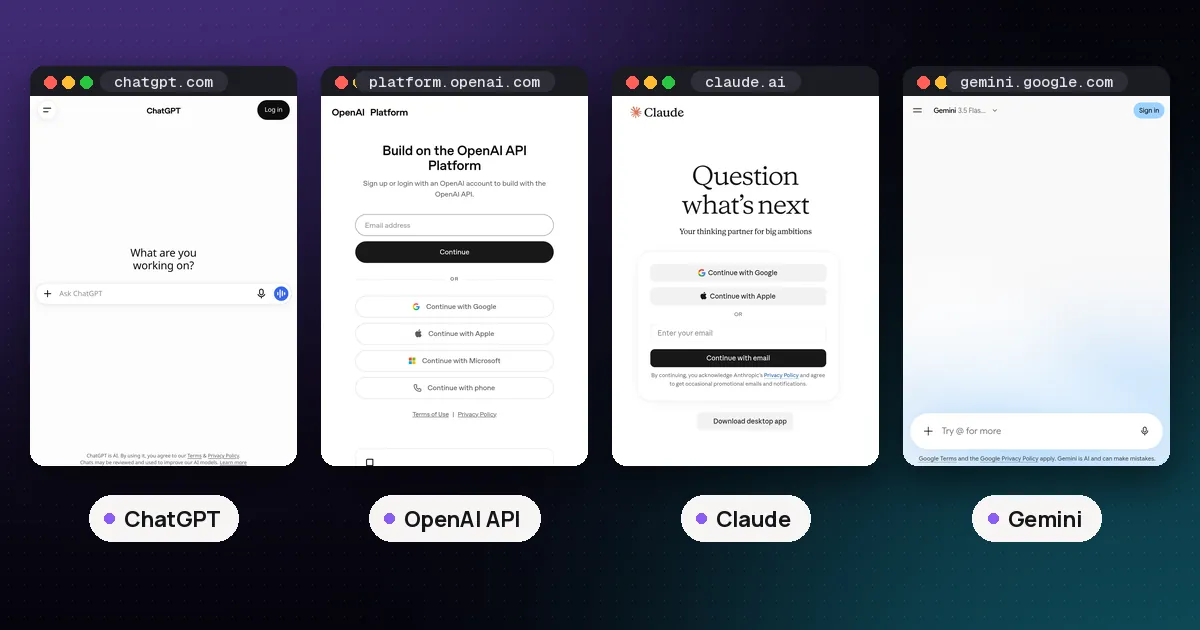
For anything beyond quick questions, such as long documents, file uploads or deep research, the dedicated ChatGPT, Claude, Gemini, Copilot or Grok apps do more than any WhatsApp contact. Our ChatGPT vs Claude vs Gemini vs Grok guide compares them, and Meta AI vs Grok covers the two assistants built into social apps.
Which should you use?
- You want help without leaving WhatsApp, anywhere in the world: use Meta AI.
- You have an EEA number and prefer ChatGPT's answers: add 1-800-CHATGPT, and link your account if you hit limits.
- You are in the US or Canada and want ChatGPT hands free: call 1-800-CHATGPT instead, or use the ChatGPT app.
- You need files, long reports or a paid model: use the assistant's own app.
Be wary of any WhatsApp contact outside Europe that claims to be ChatGPT, Copilot or Perplexity. OpenAI's only official WhatsApp contact is the verified 1-800-CHATGPT account, and Microsoft and Perplexity were among the assistants affected by the January ban.
FAQ
Is ChatGPT still on WhatsApp?
Only for WhatsApp numbers with an EEA country code. OpenAI brought it back after the European Commission's June 2026 order. Elsewhere it stopped working on January 15, 2026.
Can I use ChatGPT on WhatsApp in the US?
Not as a WhatsApp chat. US and Canadian numbers can call 1-800-CHATGPT by phone, with 30 free minutes a month, or use the ChatGPT app and website.
How do I add Meta AI to a WhatsApp group?
Type @ in the group's message box, pick Meta AI and write your question. Meta AI only sees messages that mention it or that someone shares with it.
Can Meta AI read all my WhatsApp chats?
No. WhatsApp says Meta can only read messages that mention @Meta AI or that you choose to share with it. Your other personal messages stay end to end encrypted. What you send to Meta AI itself is a different matter, so follow the basics in our guide to using AI chatbots safely.
Why did Microsoft Copilot leave WhatsApp?
Meta's October 2025 terms change barred general purpose AI assistants from the WhatsApp Business API from January 15, 2026, so Microsoft, like OpenAI and Perplexity, shut its WhatsApp chatbot down and pointed users to its own apps.
Are business chatbots on WhatsApp affected?
No. A shop, airline or bank can still run an AI powered customer service bot. The rule targets companies whose main product is a general purpose AI assistant.